How to order printing online, step by step
Printer's tip ·
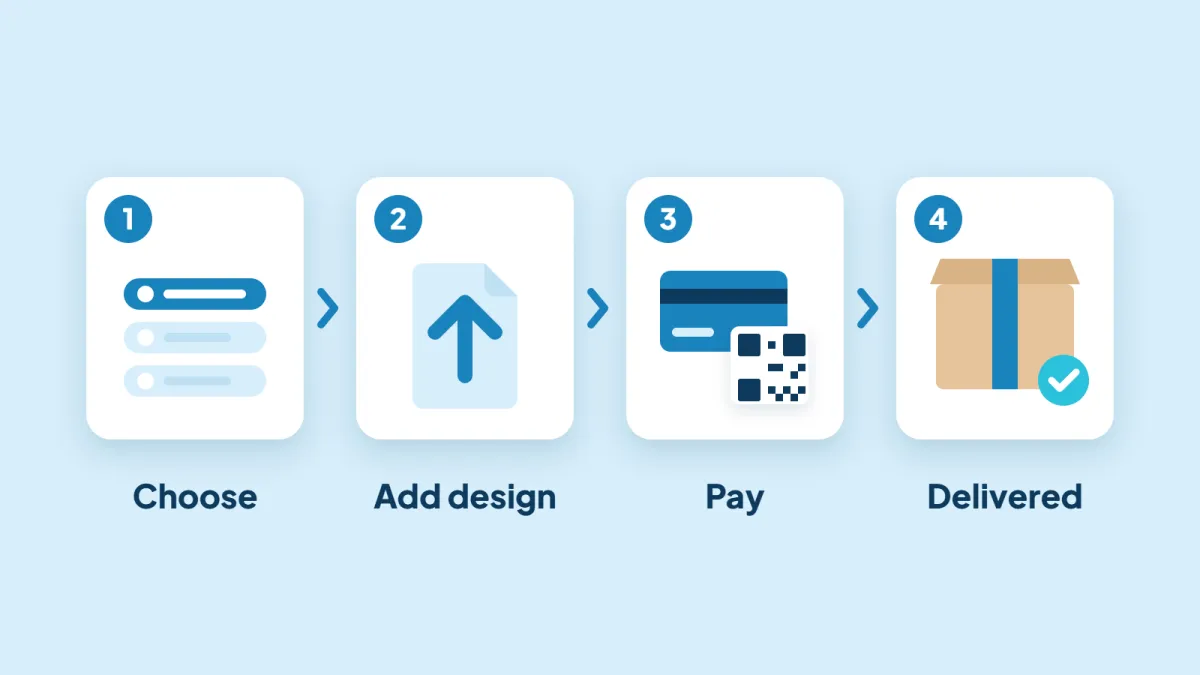
Order in four steps: choose your options, add your design, pay by card or PayNow, and we deliver to your door. It takes a few minutes, and you don't need an account.
1. Choose your product and options
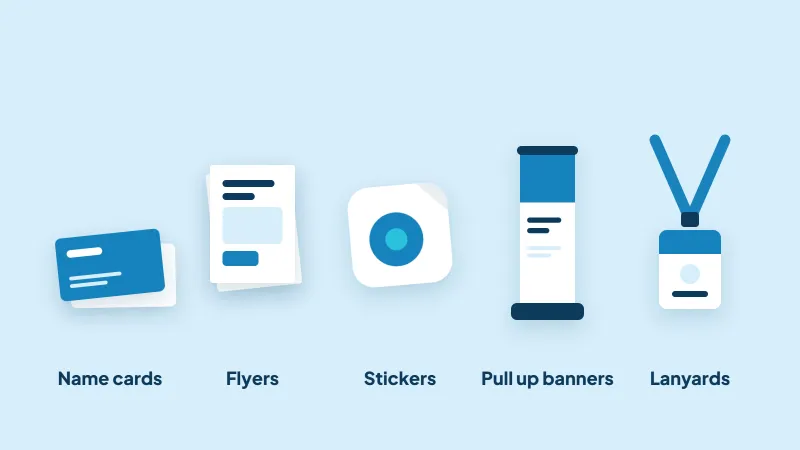
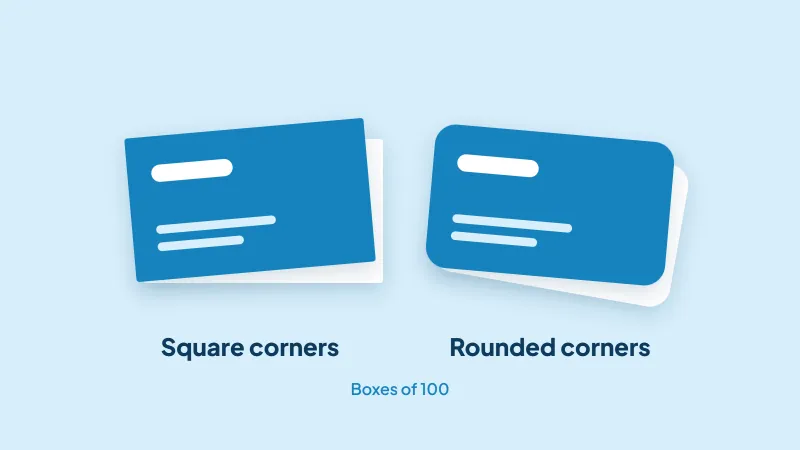
Each product page shows its sizes, options and prices, like the Name Card or Pull Up Banner page. Not sure about the finish or paper? See matte or glossy and which paper to choose. If there's anything we should know, write it in "Notes for us".
2. Add your design
Upload a PDF, JPG or PNG, 300 dpi at the size you order, up to 50 MB. You can also send it on WhatsApp after paying. Before you pay, check the spelling, phone numbers and logo once more.
We check every file before printing and tell you if it needs fixing.
3. Pay by card or PayNow
No account needed. You get a paid invoice for every order.
4. We deliver to your door
Each product page shows its delivery days, counted from when you confirm your design. Follow your parcel under Track your delivery.
Ordering for a company or in bulk?
Send us a message on WhatsApp and we'll reply with a quote.
Ready to print?
Send your design on WhatsApp, and we'll reply with your price and delivery day.